Tap to Pay
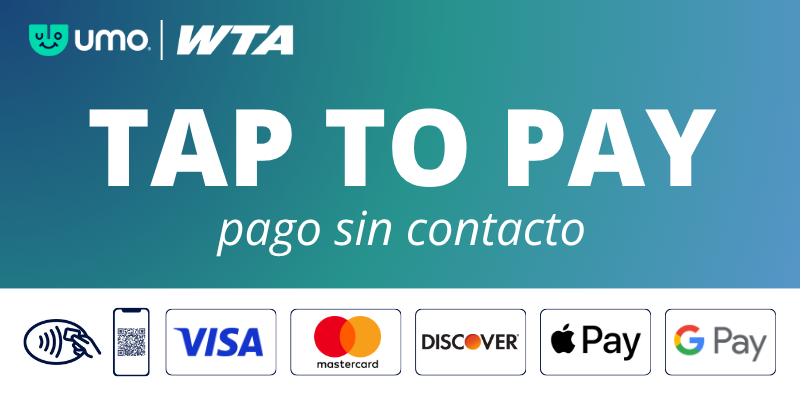
Paying for your ride is now as simple as a tap! You can pay your fare using a contactless credit/debit card or a digital wallet on your smartphone or smartwatch.
Currently, Tap to Pay is available on all Fixed Route buses. We are in the process of rolling out this feature on Paratransit!
How to Tap:
- Look for the icon: Locate the contactless symbol on the bus card reader.
- Tap: Hold your card, phone, or smartwatch flat against the reader.
- Go: Payment is successful when the screen turns green and the reader beeps.
Frequently Asked Questions:
What type of payment methods are accepted on WTA’s contactless payment system?
We accept Visa, Mastercard, and Discover Card contactless bank cards, as well as mobile wallets including Apple Pay, Google Pay, and Samsung Pay. Look for the contactless symbol on your physical card to ensure it is enabled.
Can I use one card to pay for multiple people?
No. Every rider in your group must use their own unique card or device. The card reader will not accept the same payment method twice for the same boarding.
What will I be charged?
You will be charged $1 per ride on both fixed routes and paratransit.
⚠️ Note: Fares are increasing on September 1. To see upcoming rates, please visit engage.ridewta.com/fares.
Fare Capping
What is fare capping, and how does it work?
Fare capping guarantees you always get the best value. Once you tap and pay for a set number of rides in a single day or calendar month, all additional rides during that same period are automatically free. Learn more at https://www.ridewta.com/fares/
Does fare capping work if I use different payment cards or devices?
No. You must use the exact same card or device for every single trip. The system treats a physical card and a digital wallet (even if they are linked to the same bank account) as two completely separate payment methods.
Security & Troubleshooting
Is my payment information secure and private?
Yes. Contactless payments use the same secure encryption technology as chip cards. WTA never stores, sells, or shares your personal payment data, and our system never keeps your full credit card number. All data handling strictly adheres to global PCI (Payment Card Industry) security standards.
What should I do if my payment is declined?
If the reader shows your payment was not accepted, you must use an alternative payment method immediately to complete your ride.
Why was my card or device declined?
- Card Clash: Multiple cards touched the reader at the same time (e.g., tapping a whole wallet instead of taking the card out).
- Insufficient Funds: There is not enough money or credit available in the account.
- Bank Block: Your bank stopped the transaction for security or fraud prevention.
- Technical Issue: The physical card or mobile device is damaged.
Quick Fixes:
- Separate your cards: Take your card out of your physical wallet or phone case before tapping so the reader only sees one payment method.
- Try a different card: Switch to another card or use a different card stored in your mobile wallet.
- Reset your device: If a smartphone or smartwatch fails, try removing the card from your digital wallet and adding it back.
- Contact your bank: For continuous declines or insufficient funds, reach out directly to your card issuer.